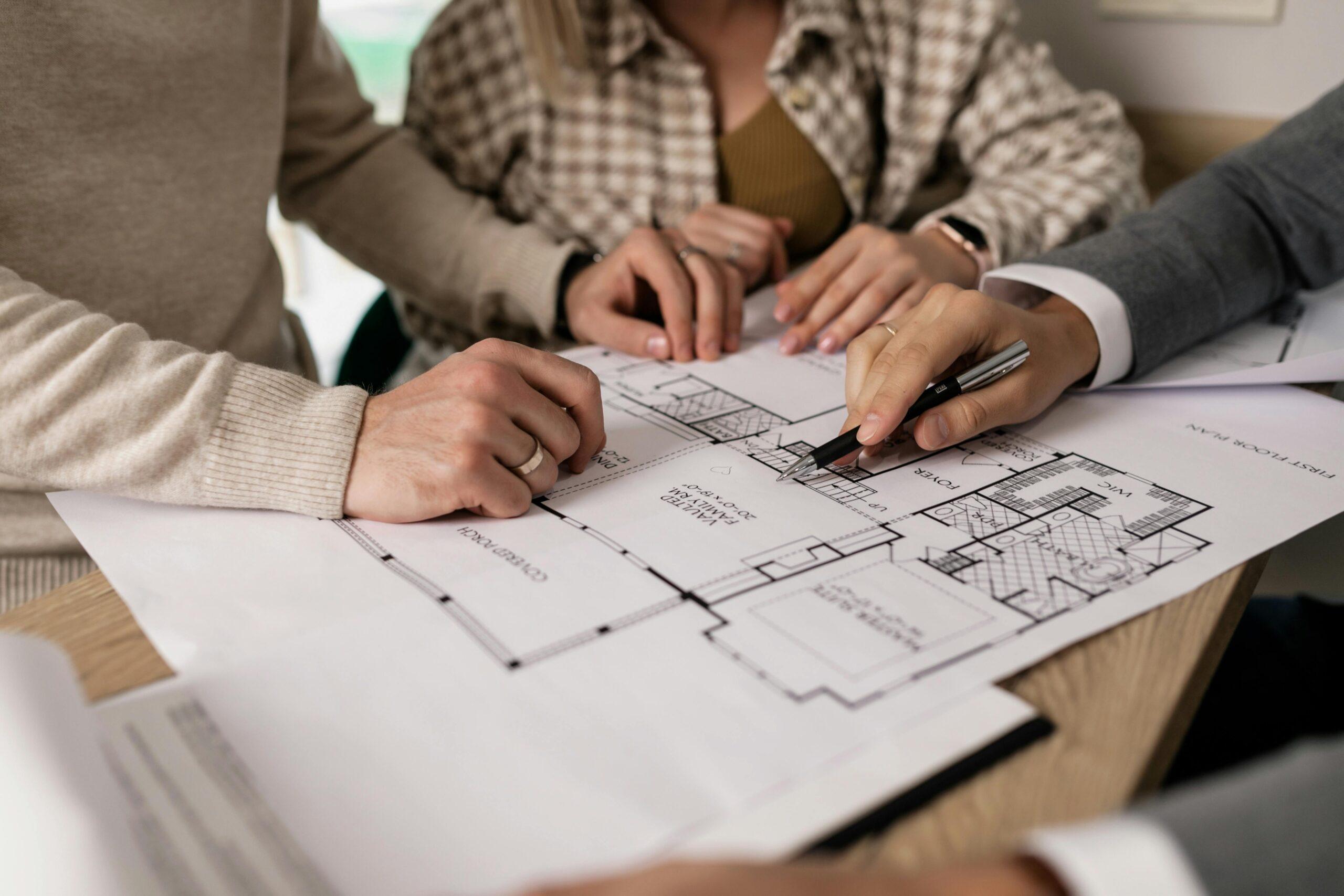
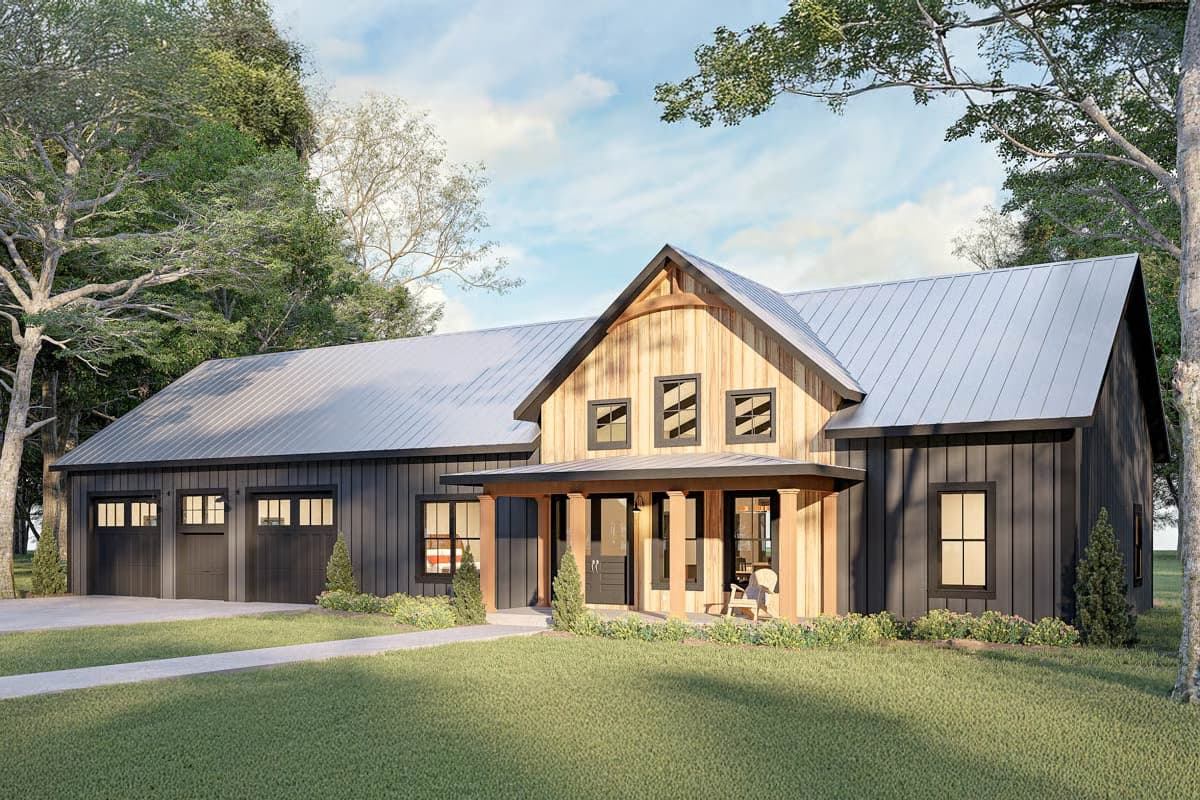
When you're exploring house plans, it helps to have one place to save your favorites, organize your ideas, and return to the details you want to review. A free Architectural Designs account also lets you save searches, request modification quotes, view the AD Guide to House Plans, and return to your reports and order details.
Here's what you can do with your account as you explore, compare, and narrow down your options.
Keep Your House Plan Search Organized
Save Your Favorite House Plans
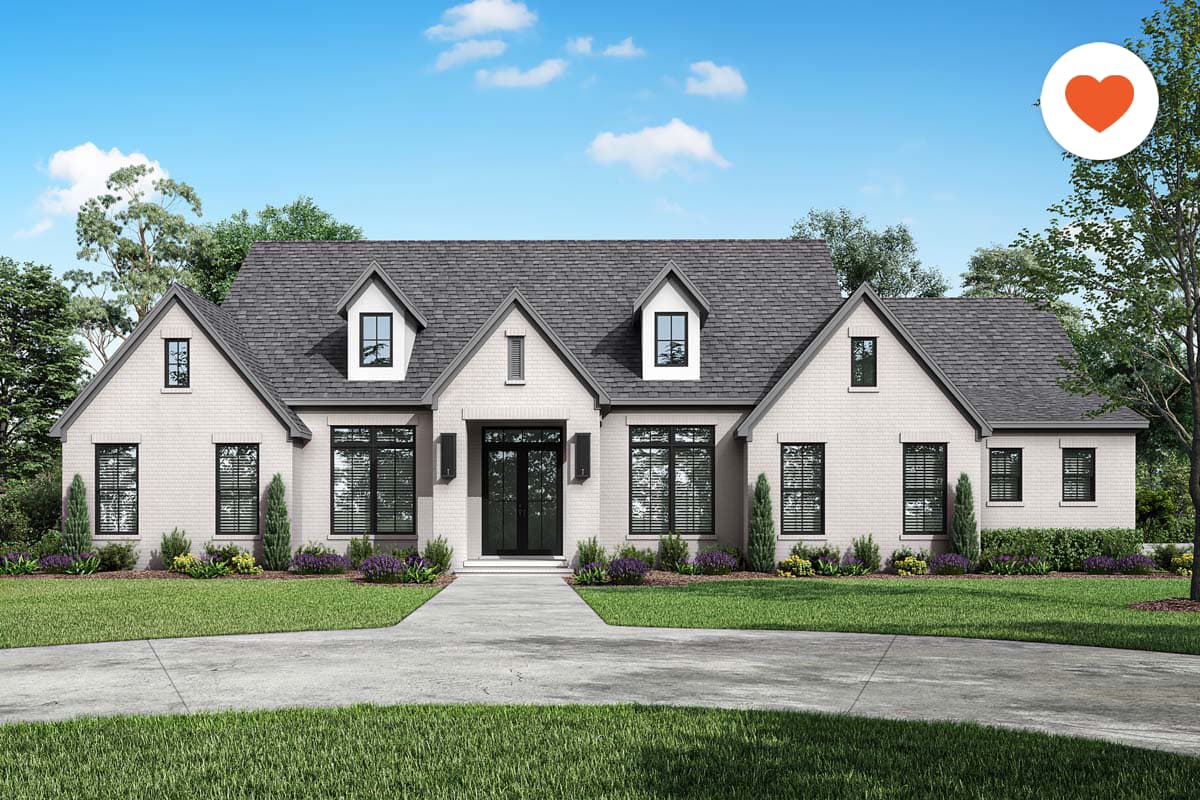
As you work through search results, you'll come across plans worth a second look. Click the heart icon on any results page or plan page to save it, and open your Favorites anytime from the heart icon at the top of the site to pick up right where you left off. You can also opt in to get notified if there are changes to any plan you've favorited, so you don't have to keep rechecking it.
Organize Favorites Into Collections
Once you've saved a few favorites, it helps to sort them by what you're actually comparing — final contenders,
one-story plans, a specific square footage range, or plans you want to walk through with your builder. Collections let you group them that way, and share the group with a partner, family member, or client when you'd like their take.
Hide Plans You've Ruled Out
As your list of options narrows, the Hide feature lets you clear a plan from your current results without losing track of it. It moves to the Hidden Plans tab, in the same account area as your Favorites and Saved Searches, so you can find it again whenever you want.
Save a Search and Get Notified
Once your filters feel right, save that search so you can come back to the exact same view later. Name it something you'll recognize, and you can choose whether to get emailed when new matching plans are added.
Request a Free Quote for Plan Changes
Submit a Modification Request
Sometimes the right plan just needs a few adjustments.
Submit a modification request and you'll get a free quote before deciding how to move forward. Requests may include changes to the layout, garage, foundation, exterior, or other plan details, and our team will review what you're considering and provide estimated pricing and timing.
Track Your Request History
Your account also keeps a record of your modification requests, so you can check status or revisit a quote without digging through email.
View the Free AD Guide to House Plans
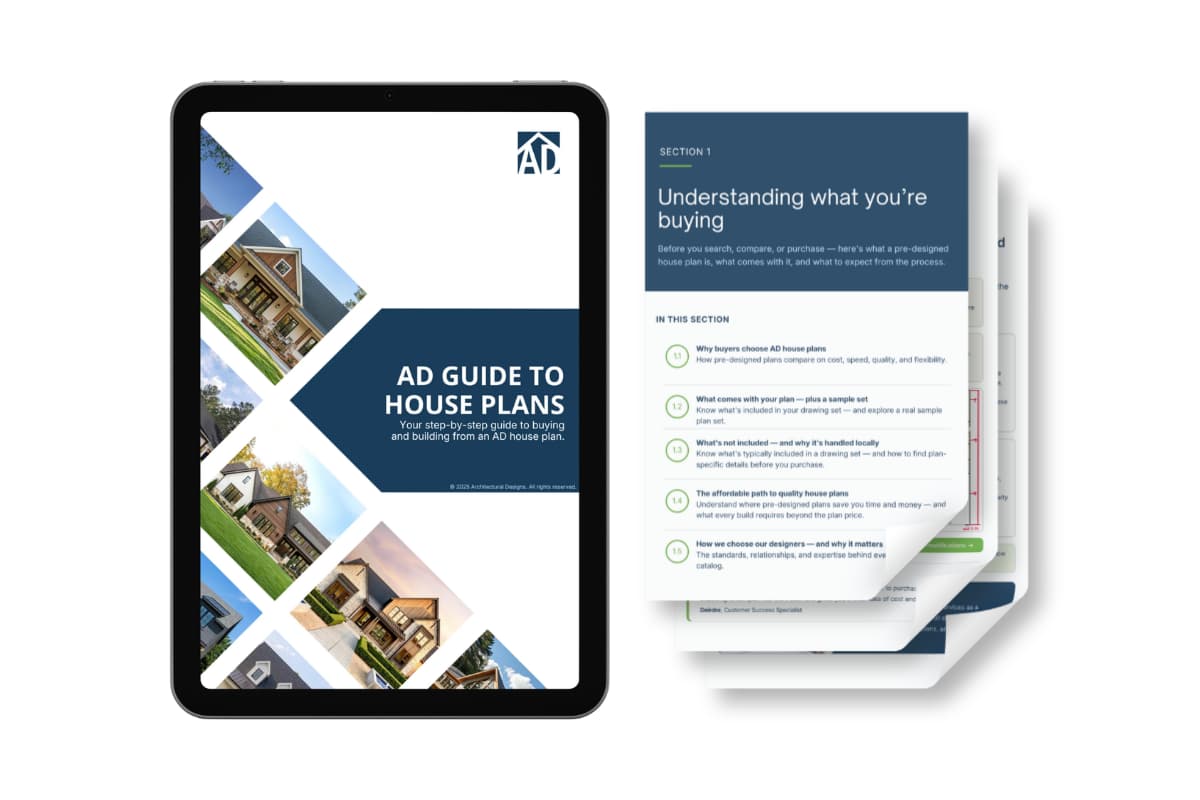
Your account also includes the free
AD Guide to House Plans. This step-by-step resource explains what comes with a house plan, what to know before building, how to compare your options, and what to expect before and after purchase.
It also covers modifications, Cost to Build Reports, and working with local building professionals. For more on what to expect before you build, check out
A Simple Guide to Building Your AD House Plan.
Review Your Reports and Orders
Return to Your Cost to Build Reports
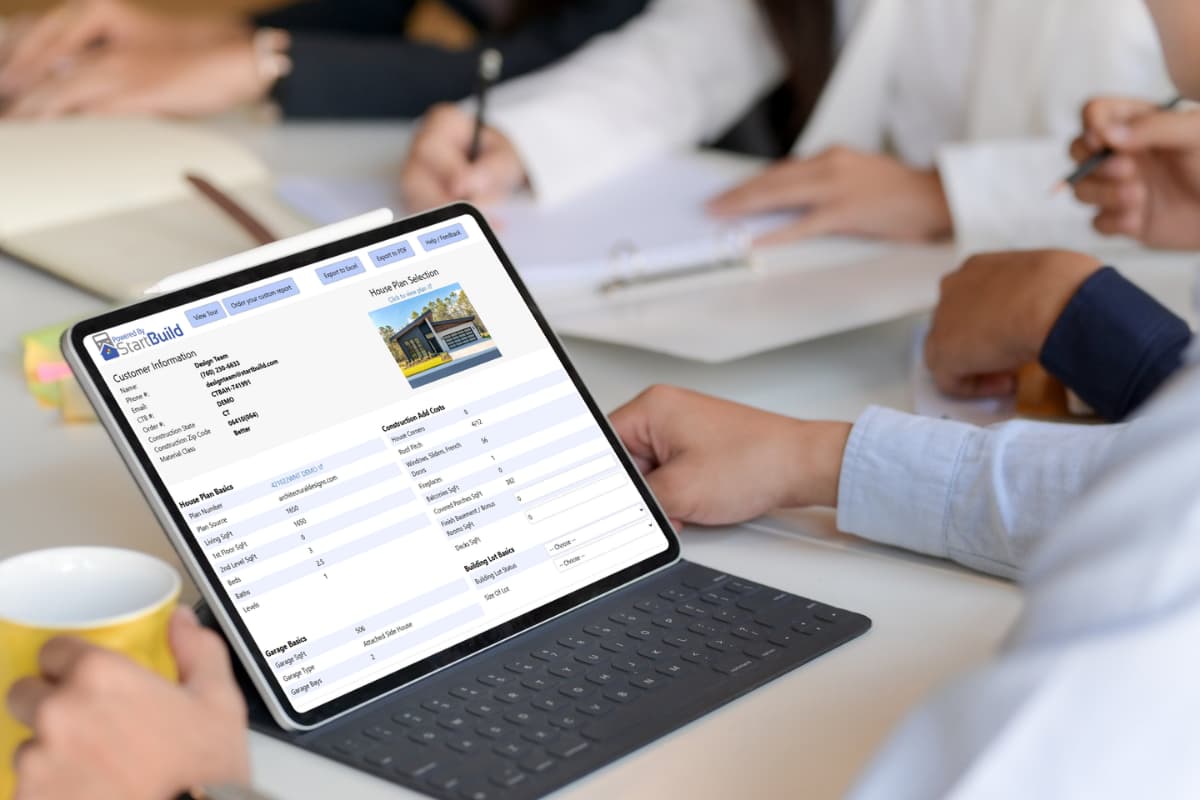
As you compare plans, a Cost to Build Report gives you a real number to work with. Any report you purchase is stored in your account, so you can return to it or line it up against reports for other plans. Each report provides a regional construction cost estimate based on the house plan and location you select — a helpful starting point for early conversations with local building professionals. If you're looking for ways to bring that number down,
8 Ways to Reduce the Cost to Build Your New Home is a good next read.
Find Your Order Details
Your account makes it easy to return to your order details and review information about your house plan purchase when you need it.
Don't have an account? You can still find your purchase using our
Order Lookup tool and the email address and order number connected to your order.
One Account, Every Step of Your Search
As you move from browsing to comparing to deciding, your account keeps pace with you — holding onto the plans, searches, and requests you've already put time into, so you're not starting over each time you come back. If you're ready to get a closer look at a favorite before deciding,
Walk Your Plans can help you experience the layout in person.
Creating a free AD account only takes a minute.