Before you buy a house plan, you're probably asking the obvious question: what is this actually going to cost? Architectural Designs offers a Cost to Build report and a Cost to Furnish report built to answer that, giving you real, plan-specific numbers to work with. Order both early, and you'll walk into your plan purchase with a clear, confident budget.
Here's how each one works, and why they're worth looking at side by side.
Start With a Cost to Build Report
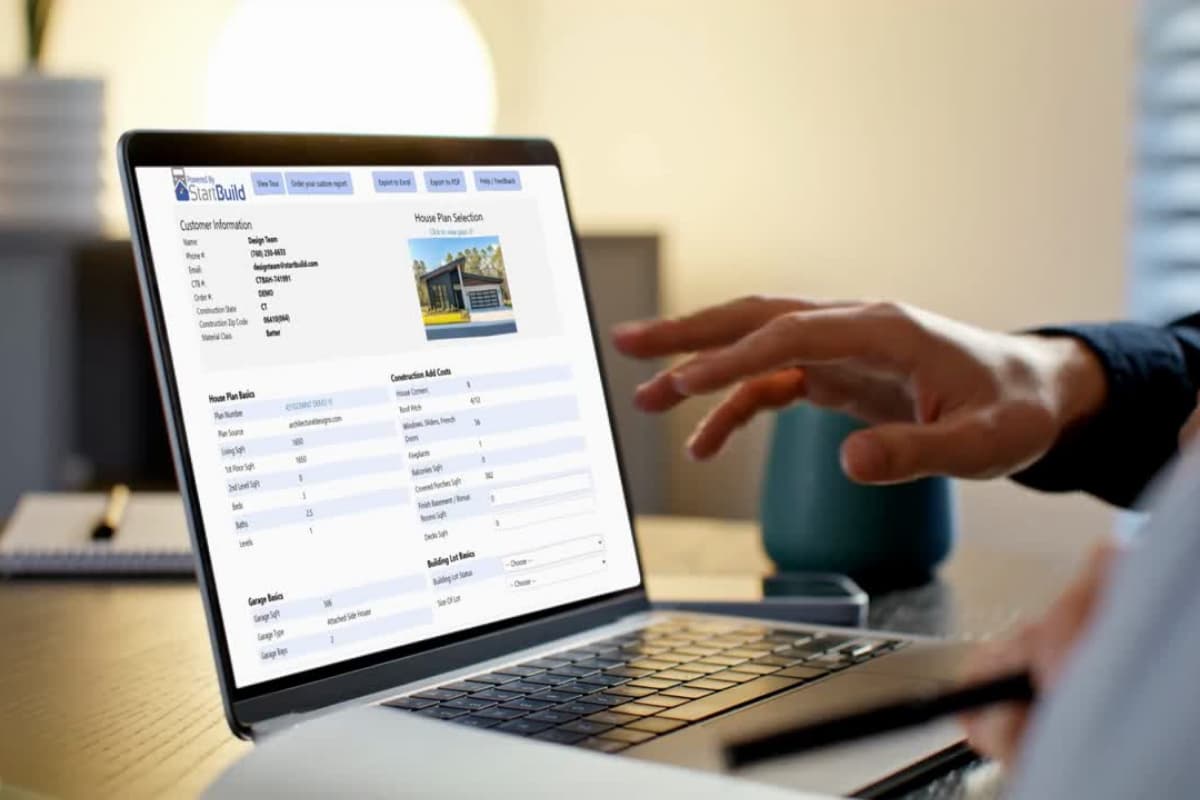
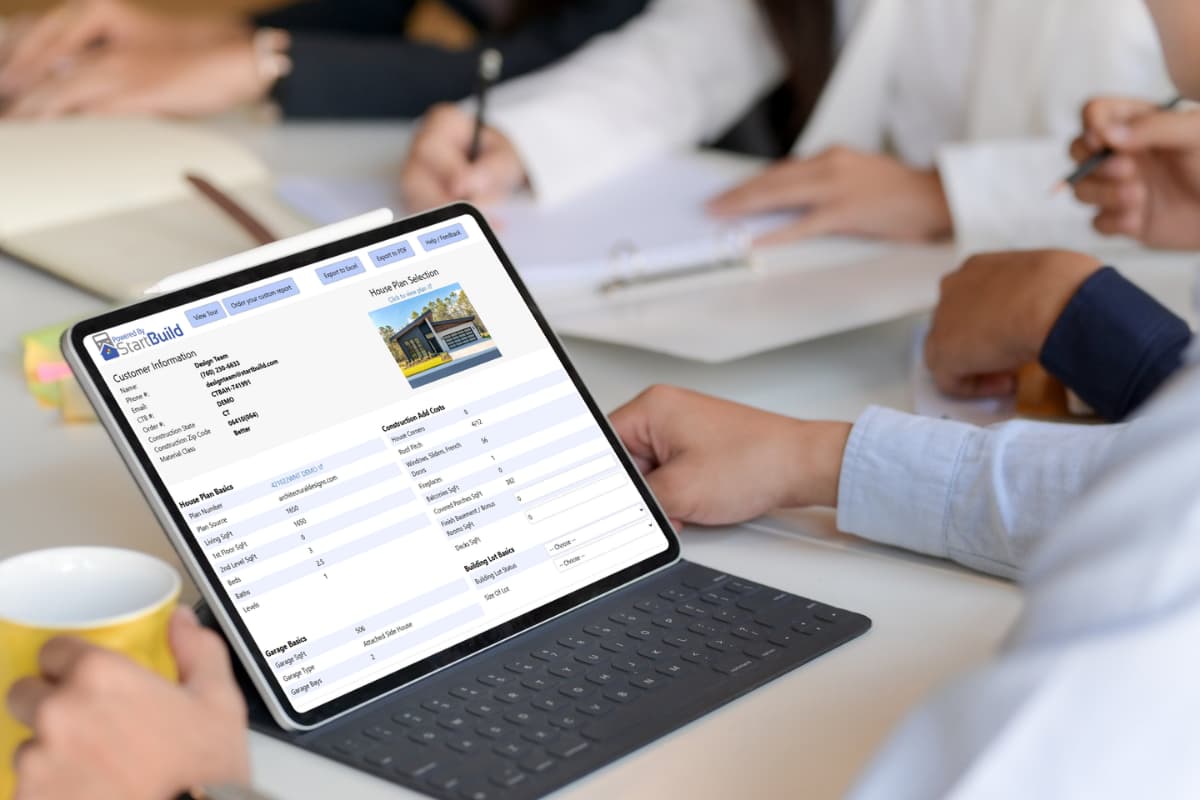
Architectural Designs offers a Cost to Build report for every plan on the site, so you know roughly what you're getting into before you buy the plan or talk to a builder. Tell it your build location, and it estimates what that specific plan will cost to construct there — not a generic per-square-foot guess, but a number shaped by the plan's actual features. That means you can catch a costly detail early, like an expensive
foundation type or a roofline that adds complexity, and decide whether to adjust the plan before it becomes a change order mid-build.
The report runs on the StartBuild platform, with more than 60 line items you can adjust yourself. A few things worth knowing:
Reports typically land in your inbox within 1-2 business days.
You get 60 days of access to change line items and re-run the numbers as your choices evolve — useful if you're comparing finish levels or deciding between a few plans.
Estimates factor in labor and material costs specific to your build location, since those shift by region.
Once you're working with a builder, your actual bids, site conditions, and material choices will shape the final number. Think of this report as your launch point — a real, plan-specific estimate that puts you in a stronger position
when those builder conversations start.
Add a Cost to Furnish Report to See the Whole Picture
Every plan also comes with the option to order a Cost to Furnish report, so you can budget for the inside of your home with the same clarity you get on the construction side. If a plan's open-concept living area calls for more furniture than a smaller, more closed layout would, you'll know that while you're still comparing plans — giving you a clearer read on which one really fits your budget.
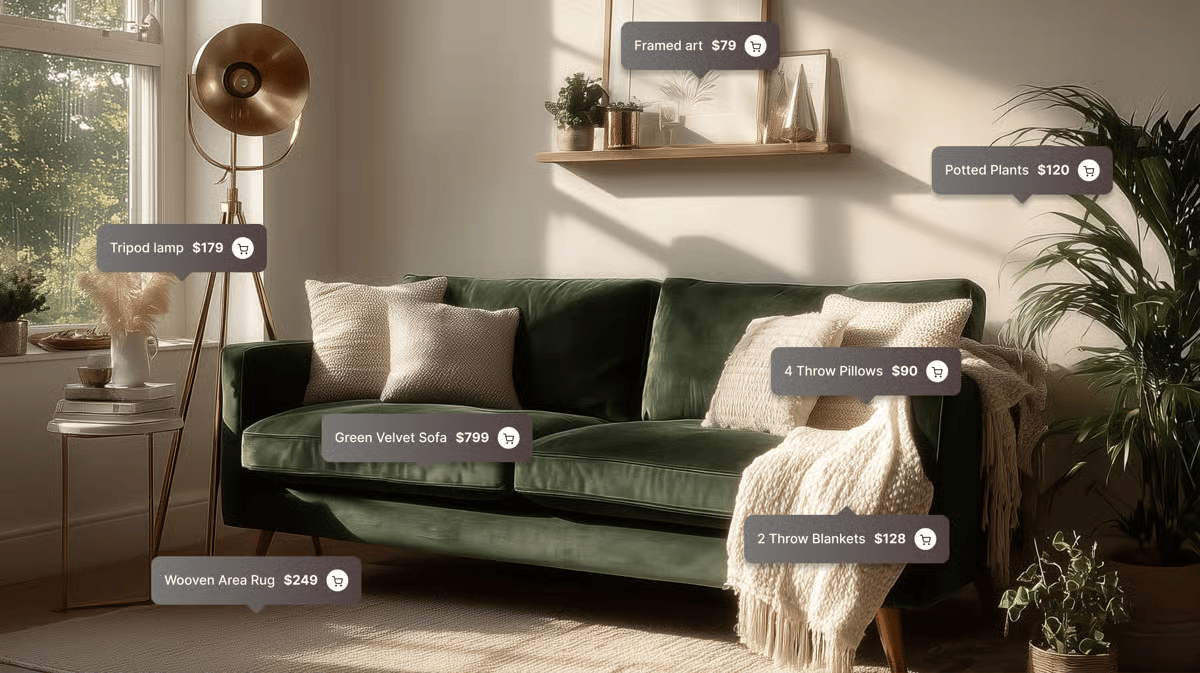
Using First Chair, an AI interior designer, the report asks you a few questions about the plan and what matters to you, then has you run through a quick style quiz. From there, it builds out a room-by-room checklist: furniture, lighting, rugs, textiles, décor, all priced to match your style.
Ordering this report early means you'll walk into your plan purchase already knowing what each room needs and roughly what it'll take to get there.
Why Order Both Before You Buy
Construction and furnishing are the two biggest costs tied to any house plan, and you can get a report for each one. They're shaped by different things — location and build complexity drive one, room size and style drive the other — but together, they give you a full, confident answer to the question that actually matters: does this plan fit the budget you're working with?
Ordering both early puts you in control of your decisions from the start. Say your Cost to Build report flags a pricier foundation type, or your Cost to Furnish report shows that big open living area will need more furniture than you'd planned.
You can weigh those in right away, or look at a
modification to shape the plan around your budget while you're still deciding.
Rounding Out Your Budget
Cost to Build and Cost to Furnish cover the two biggest line items in your budget, and a few more tools are available to round out the rest.
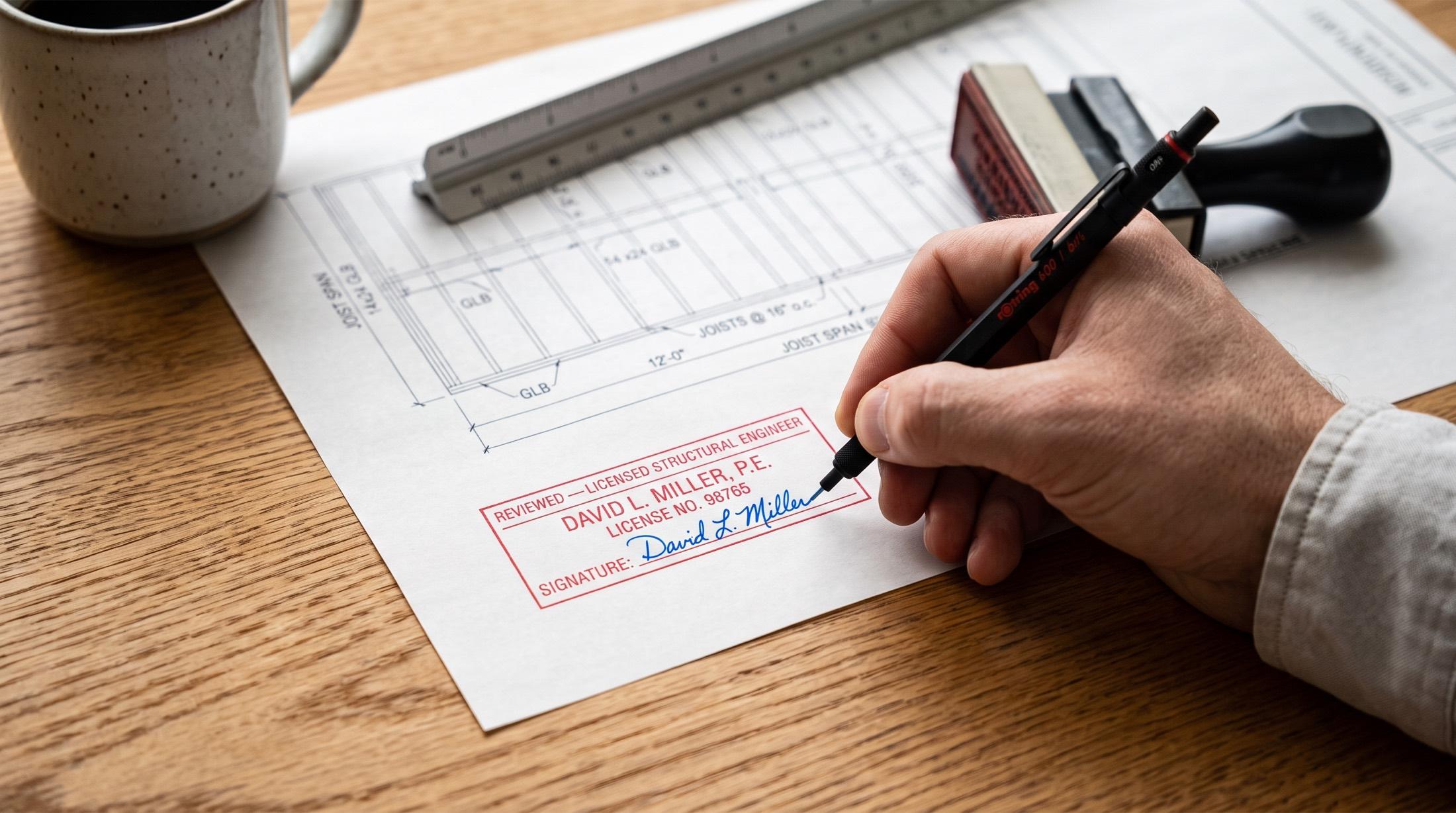
Structural engineering and
materials lists help you plan for site-specific requirements, while land, permits, and closing costs will depend on your particular project and location. Put together, these give you a strong, well-rounded number to build your budget around.
Getting Started
Found a plan you're considering? Order a Cost to Build report and a Cost to Furnish report right from the plan page, and you'll have both a construction estimate and a furnishing estimate in hand before you decide.
Comparing a few options?
Save your favorites to a collection so you can order reports on each one and compare real numbers side by side.